Live TV and TV guide
Instant zapping and a program guide (EPG) you can read from the couch.
Ondo is a player built for the TV: instant channel switching, full details for every movie and series, and the same experience on your TV, your phone and your computer. You add your own playlists, Ondo takes care of the rest.
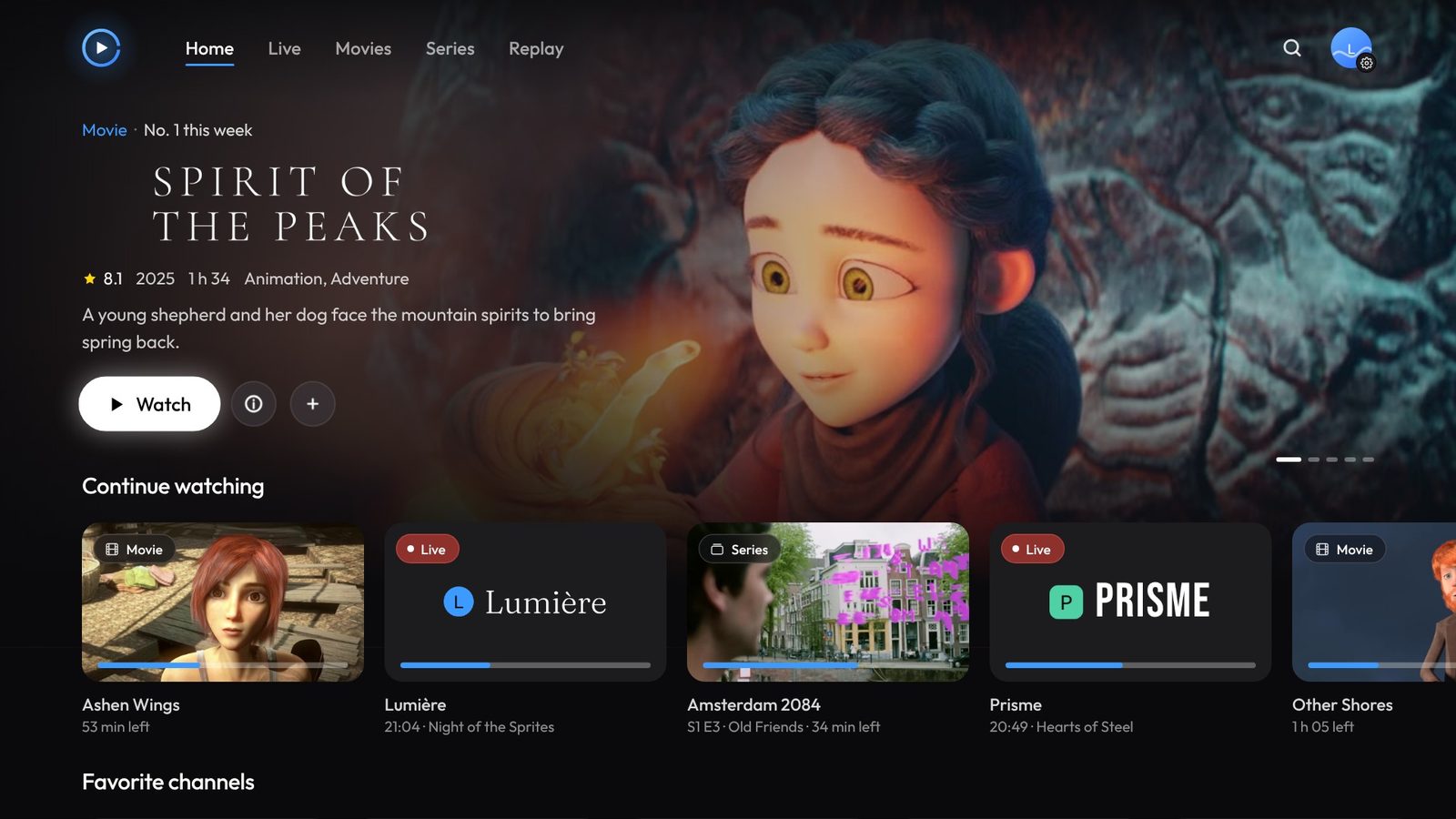
Ondo plays the M3U playlists and Xtream accounts your provider gives you, then organizes them like a real streaming platform.
Instant zapping and a program guide (EPG) you can read from the couch.
Posters, summaries, ratings and this week’s Top 10.
Ondo remembers where you stopped, and you pick up on any device.
Keep your movies and episodes to watch offline.
Pause live TV and pick it up whenever you want.
Watch shows from the last 7 days again, if your provider offers it.
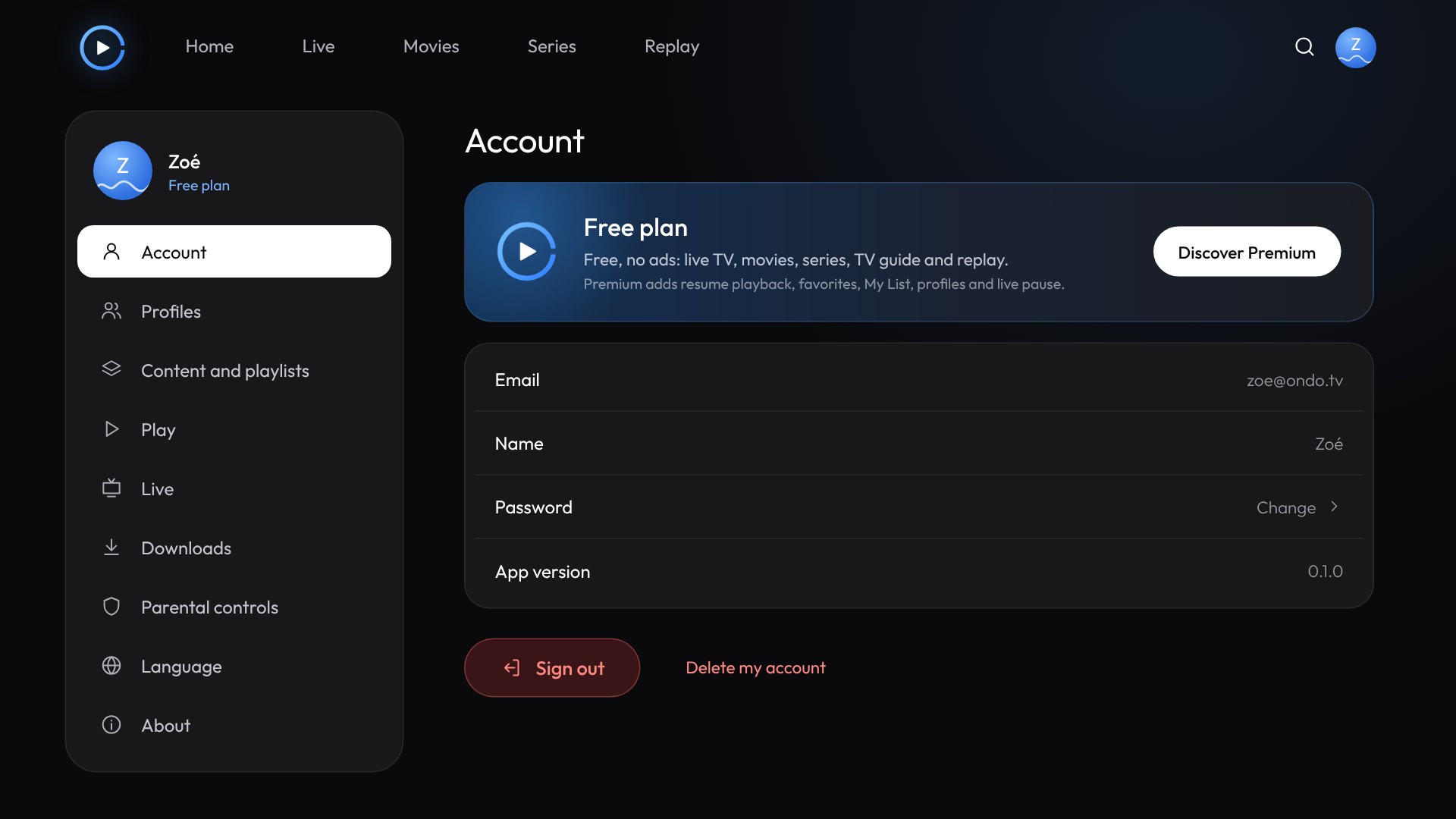
Up to 5 profiles, each with its own list, and a parental code.
Your playlists stay encrypted on your device, never on our servers.
The app updates itself, in one click.
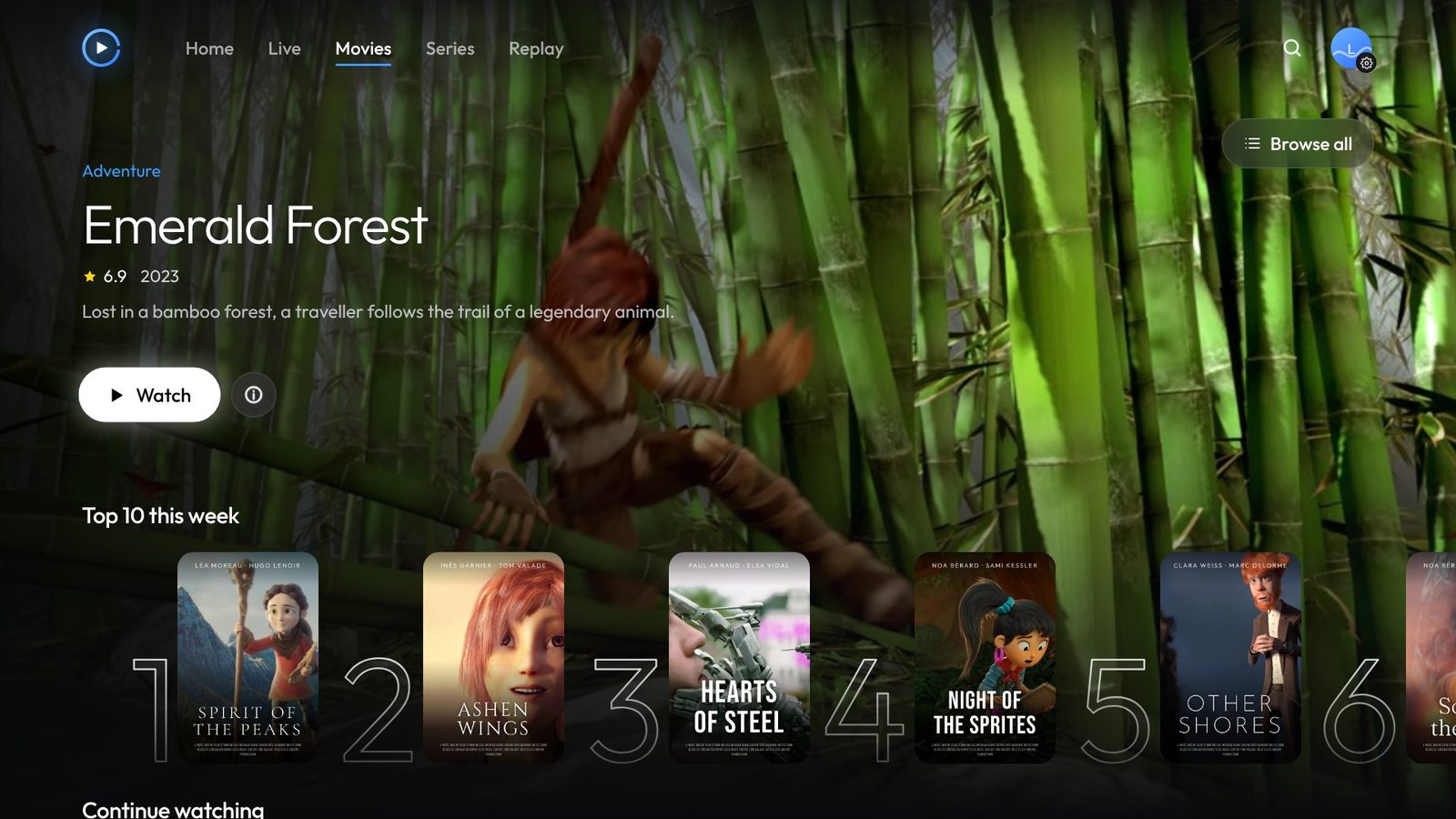
Demo images: open movies by the Blender Foundation (CC BY), invented titles and channels.
The official APK works on Android TV, Google TV, Android boxes, Fire TV and Android phones. The store versions are coming soon.

Android TV, Google TV, Fire TV, phones and tablets
waiting for the first buildRead from /version.json, the same file the app checks to offer its updates.
Windows and Mac: the app isn’t signed yet, so your computer will ask you to confirm. On Windows, click “More info”, then “Run anyway”. On Mac, open System Settings › Privacy & Security, then “Open Anyway”.
Step by step, with the app screens and the remote buttons.
Downloader, unknown apps and installation, in four steps.
InstallTVs, boxes and Google TV sticks: the Downloader method.
Add your playlistYour M3U link, your channels sorted by category and the TV guide.
No. Ondo is a player, like a video player on a computer. It doesn’t host, sell or list any content. You add the playlists your own provider gives you, and you are responsible for their legality.
M3U and M3U8 playlists (link or file), Xtream Codes accounts (server, username, password) and XMLTV program guides.
First check that it works with your provider, then reload the playlist from Settings › Content and playlists. If the problem continues, write to us with your device model and the app version (Settings › Account).
The app checks for a new version by itself and offers to install it. You can also download the latest APK on this page: it installs over the old one, without losing your playlists.
In the app, Settings › Account › “Delete my account”. Your account is erased from our servers and all the data on the device is deleted. If you no longer have access to the app, write to us from the account’s email address.
Yes. The free plan, with no ads, plays your playlists live, in movies and in series on 1 device with 1 profile.
Ondo Premium adds resume playback, favorites and My List, live pause, up to 5 profiles and 5 devices. It is linked to your Ondo account and can be cancelled at any time.
Prices incl. VAT: €1.99 per month or €14.99 per year, with a 7-day free trial, or €24.99 one time for lifetime Premium.
Write to us in French or in English, with your device model if it’s a playback issue.
Ondo hosts no content, but we handle every report: use of the brand or of an Ondo account. Tell us the address concerned, what the problem is and how to reach you.
For content streamed by a third-party provider, also contact that provider and its host: Ondo has no access to it.
New versions, tips and your ideas for what comes next in Ondo. The ondo-tv.com addresses always take you to the right place, even if a link changes.